
Core features
Smart features that make managing a huge library effortless
Search by text
Describe what you want in a sentence and the AI finds matching photos. Supports natural-language queries in Chinese and English.
- Natural language
- Semantic understanding
- Millisecond responses
Text recognition
Recognises text inside photos (signs, documents, screenshots), so images containing text are searchable too. Result count is limited on the free plan.
- OCR text recognition
- Text and image search
- Limited results on free
Timeline browsing
Photos are organised automatically by when they were taken, grouped by year and month so you can jump straight to a moment.
- Year and month groups
- Quick positioning
- Filename recognition
Tag management
Add your own tags to photos and group them by theme, then combine tags with search to locate what you need.
- Custom tags
- Group by theme
- Fast filtering
Album organisation
Create your own albums to group photos by theme or project, then export them in batches for sharing and backup.
- Custom albums
- Batch management
- One-click export
Search by image
Use one photo to find similar ones, quickly locating images from the same scene or subject.
- Similarity search
- Visual matching
- Quick positioning
Duplicate cleanup
Automatically detects duplicate or near-duplicate photos so you can clear out redundancy and reclaim storage.
- Duplicate detection
- Smart recognition
- One-click cleanup
Batch export
Select multiple photos and export them in a batch, in original size or as thumbnails, for sharing and backup.
- Batch operations
- Original-size export
- Easy sharing
Search history
Searches are recorded automatically, so you can repeat a previous query without typing it again.
- History log
- One-click re-search
- Quick access
Search by text
Describe the photo you are looking for in a sentence and the AI understands what you mean, pulling the closest matches out of thousands of images. No need to remember filenames or browse one by one.
- Understands natural language, in Chinese and English
- Gets everyday descriptions like "beach", "people" or "blue"
- Finds photos as fast as you search the web
- One photo can also lead you to similar images
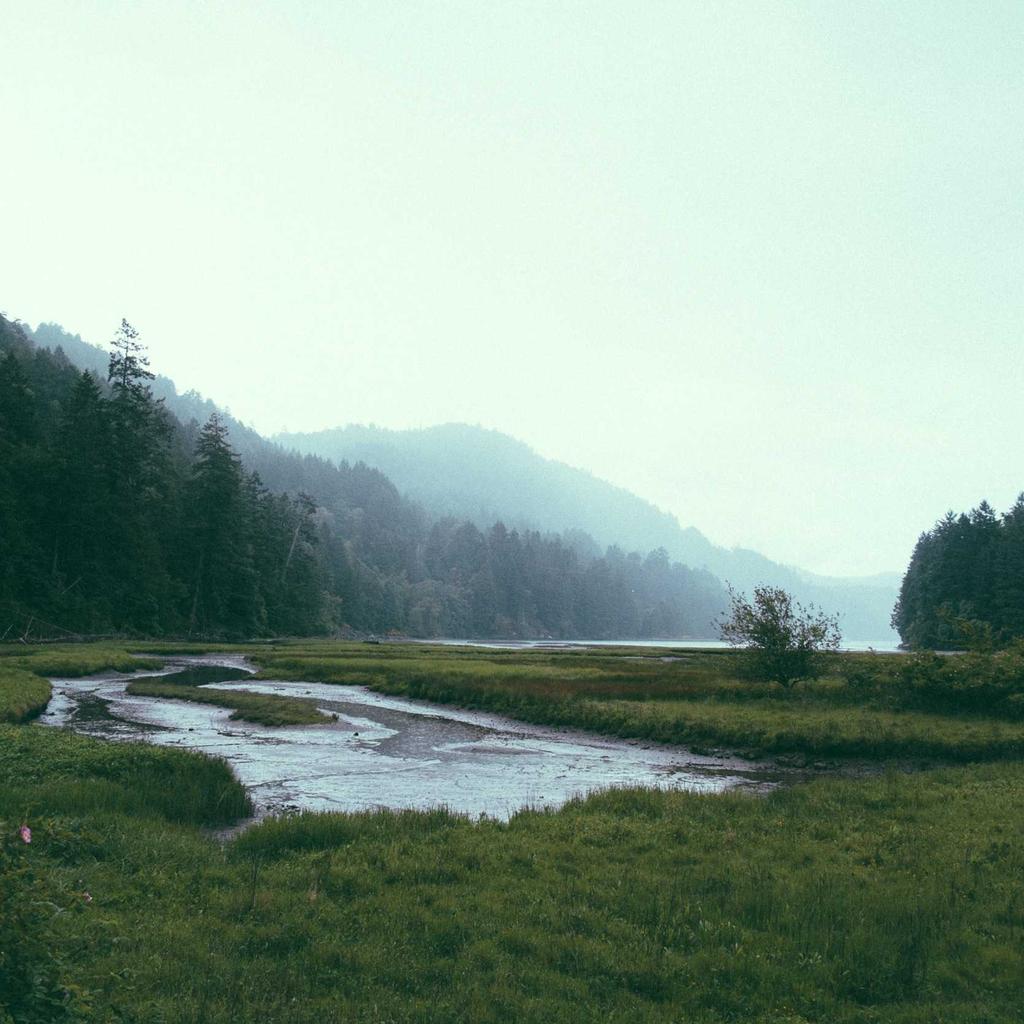 94%
 91%
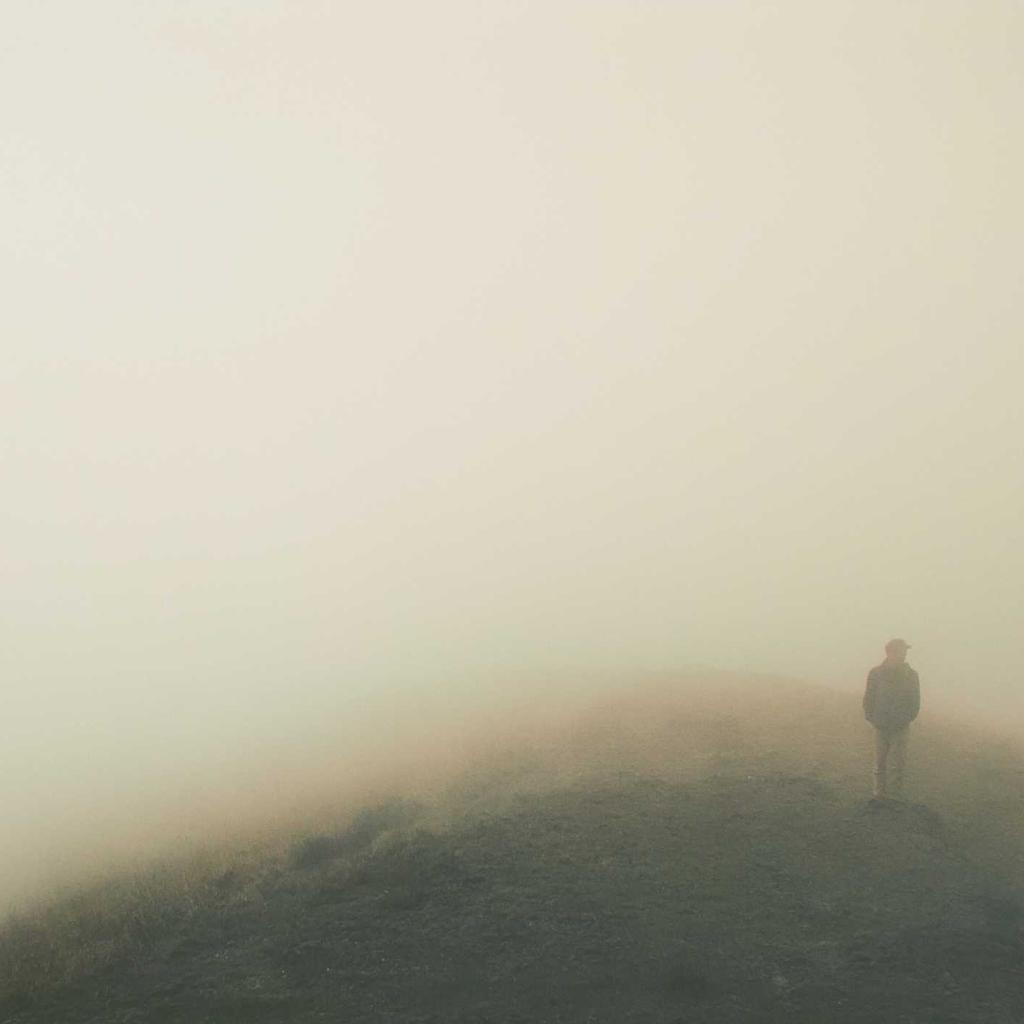 88%
 85%
 82%
 79%
Search by image
Use one photo to find the similar ones. Photos from the same scene, subject or style are grouped together, so tidying duplicates and photo series becomes effortless.
- Select any photo to search for similar ones
- Same scene and subject are grouped automatically
- Compare against the timeline quickly
- Every result is computed locally — nothing is uploaded
Simple to use, safe by design
No complex setup — open it and start searching
Fully local
Photos and data stay on your computer and are never uploaded to any server
Privacy first
Your photos are never uploaded, and AI processing happens locally too, protecting your privacy
Just describe it
No need to remember filenames — describe what you want in a sentence and the AI finds it
Automatic organisation
AI adds tags and groups photos by theme, so organising takes less effort
Timeline browsing
Photos are organised by when they were taken, so you can quickly find a year or a month
Continuously improved
We keep refining search quality and the experience, making finding photos easier over time
Start using SeekPhoto
Free to download, start searching with AI right away
Download for WindowsWindows 10/11