
Find that photo with a single sentence
Results appear as you type — no waiting on the AI. A local AI image search tool for finding photos by text, searching by image, browsing a timeline and organising albums.
Everything stays on your computer; nothing is uploaded to any server.
Finding photos made simple
Six smart features help you locate exactly the photo you want in a huge library
Search by text
Two layers of search: instant filename matching as you type, plus semantic search that understands the scene — so untitled photos are findable too. Supports Chinese and English.
Search by image
Use one photo to find similar ones. Photos from the same scene or featuring the same subject are grouped together, making it easy to tidy duplicates and photo series.
Timeline browsing
Photos are organised automatically by when they were taken, grouped by year and month so you can jump straight to a moment.
Tag management
Add your own tags to photos and group them by theme, then combine tags with search to locate what you need.
Album organisation
Create albums, and even save filter conditions as smart albums — set them once and new photos join automatically.
Text recognition
Recognises text inside photos (signs, documents, screenshots), so images containing text are searchable too. Result count is limited on the free plan.
Type two characters, photos appear
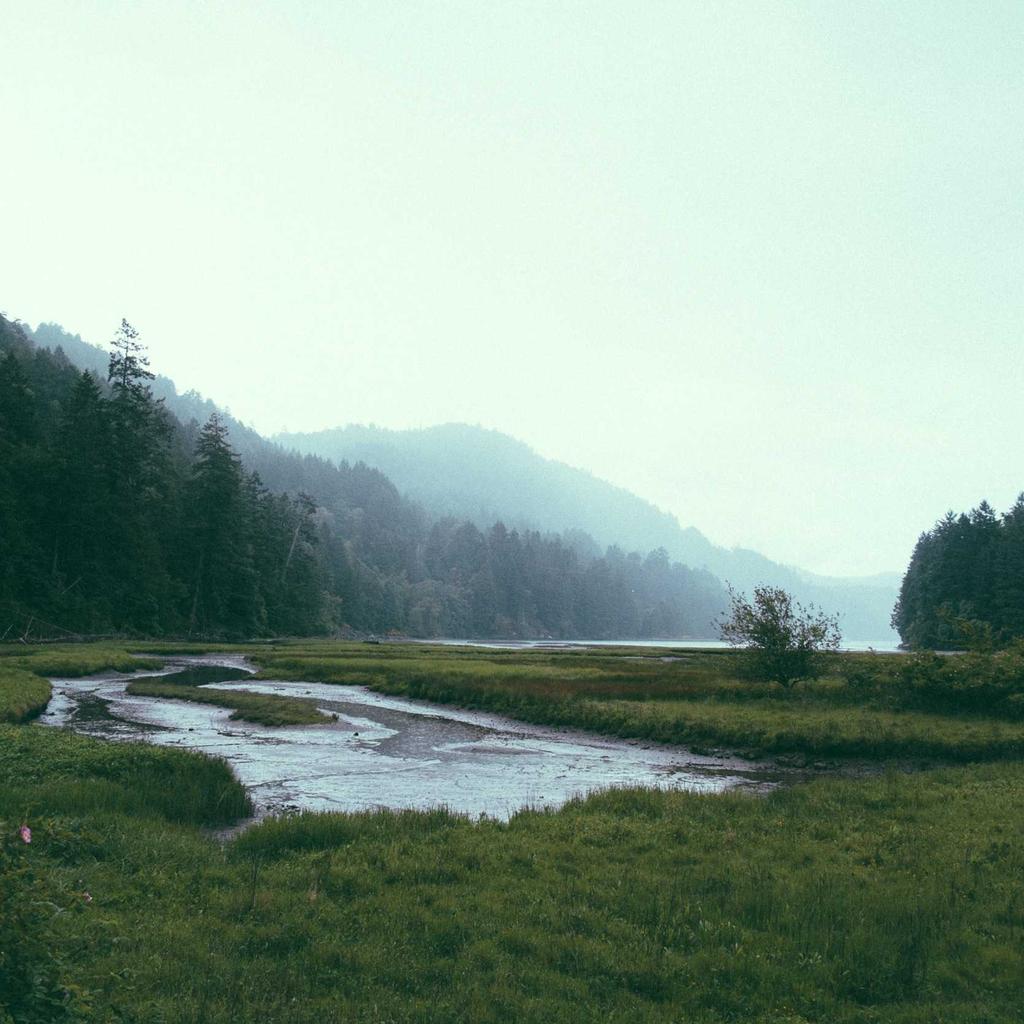
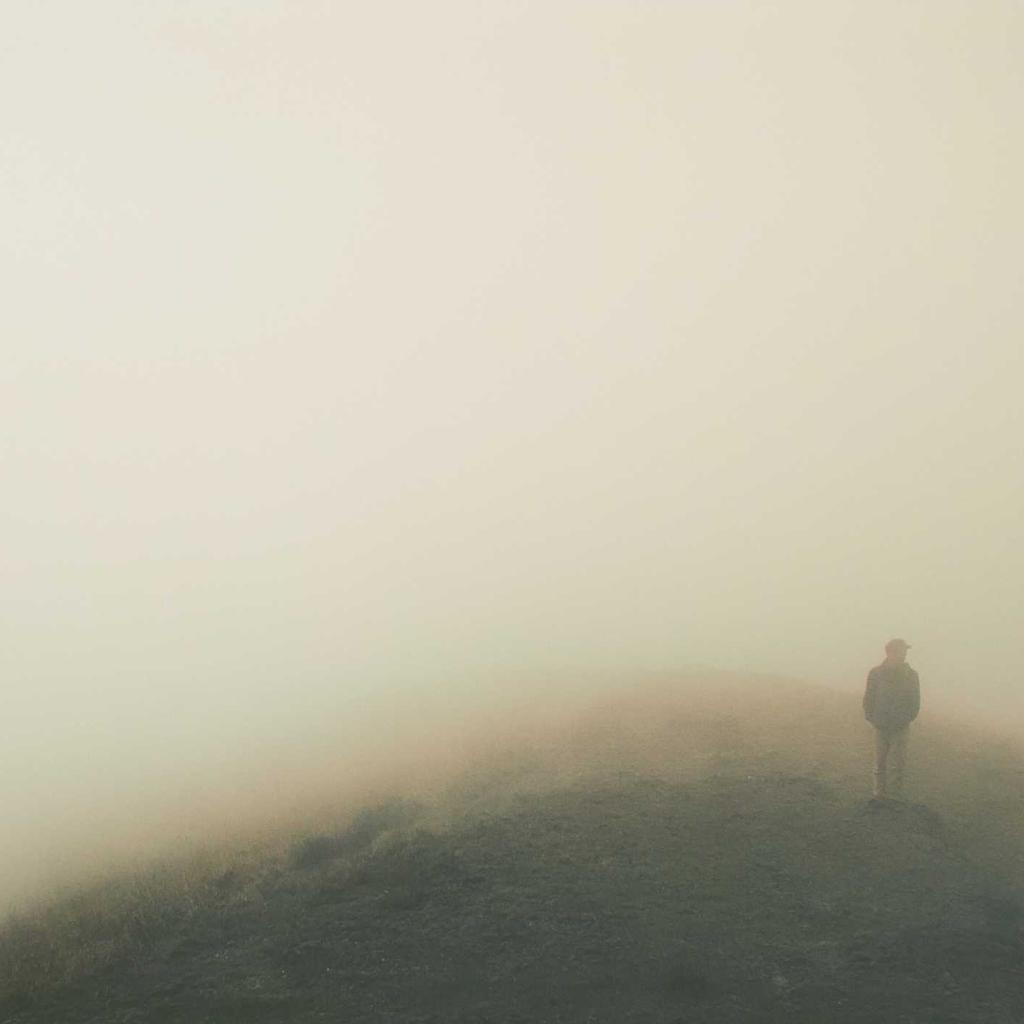
Photos matching the filename appear as you type — instant local matching with zero waiting. Press Enter to let the AI search by what is actually in the picture ("sunset over the sea").
 93%
 90%
 87%
 84%
 81%
 78%
 75%
 72%
What SeekPhoto can do for you
However many photos you have, they stay easy to manage
Organising travel photos
Too many photos after a trip? Describe what you are looking for and find the right one in seconds — or filter by place to see everything shot that day.
Recording your child growing up
Children change fast. Keep a timeline and albums of every milestone, and search back to those moments any time.
Managing work material
Design files, reference shots and project images mixed together? Sort them with tags and albums, and find what you need fast.
Revisiting special moments
Birthdays, anniversaries, graduations — jump back to that exact day on the timeline and relive the memory.
Why choose SeekPhoto
Compared with traditional tools, SeekPhoto makes photo management smarter and safer
Stored locally
Photo metadata and index data stay on your computer
No internet needed
After the first AI download, everything works offline
Full control
How your data is handled is completely transparent — you stay in control
Things you may want to know about SeekPhoto
Local AI search — manage your photos simply and safely
What is SeekPhoto?
SeekPhoto is a local AI image search tool for Windows. Describe what you are looking for in a sentence and it finds the right photo in a huge library.
Is SeekPhoto free?
Yes. The free plan already includes AI semantic search, search by image and OCR text search (with limits), and all data is processed locally — nothing is uploaded. Standard and Pro plans remove result limits and add unlimited text search; they are one-time purchases that stay valid forever.
Are my photos safe?
Yes. Photo metadata and the AI index live only on your computer and are never uploaded. The AI model runs locally too, so your photos never leave the machine.
Which systems are supported?
Windows 10 and 11, 64-bit.
How does natural-language search work?
Type a description such as "sunset over the sea" or "person in a red coat" — the AI understands the meaning and returns the closest matches.
Start using SeekPhoto
Free to download, start searching with AI right away
Download for WindowsWindows 10/11